




Version 1.0.0

Penguin Browser

Your spatial browser workspace.

Organize web pages visually, move them freely across your workspace, and reset everything instantly with Avalanche.

Free to use. Built by an independent developer.

Penguin Browser main window

Why Penguin Browser

Most browsers pile tabs on top of each other.

Penguin Browser gives you a workspace for your pages, allowing you to move, organize, and manage websites visually instead of juggling stacked tabs.

It’s a simpler way to browse when you have multiple pages open.

Key Features

Penguin icon

Penguin — Workspace Settings

Clicking the Penguin icon opens your workspace settings.

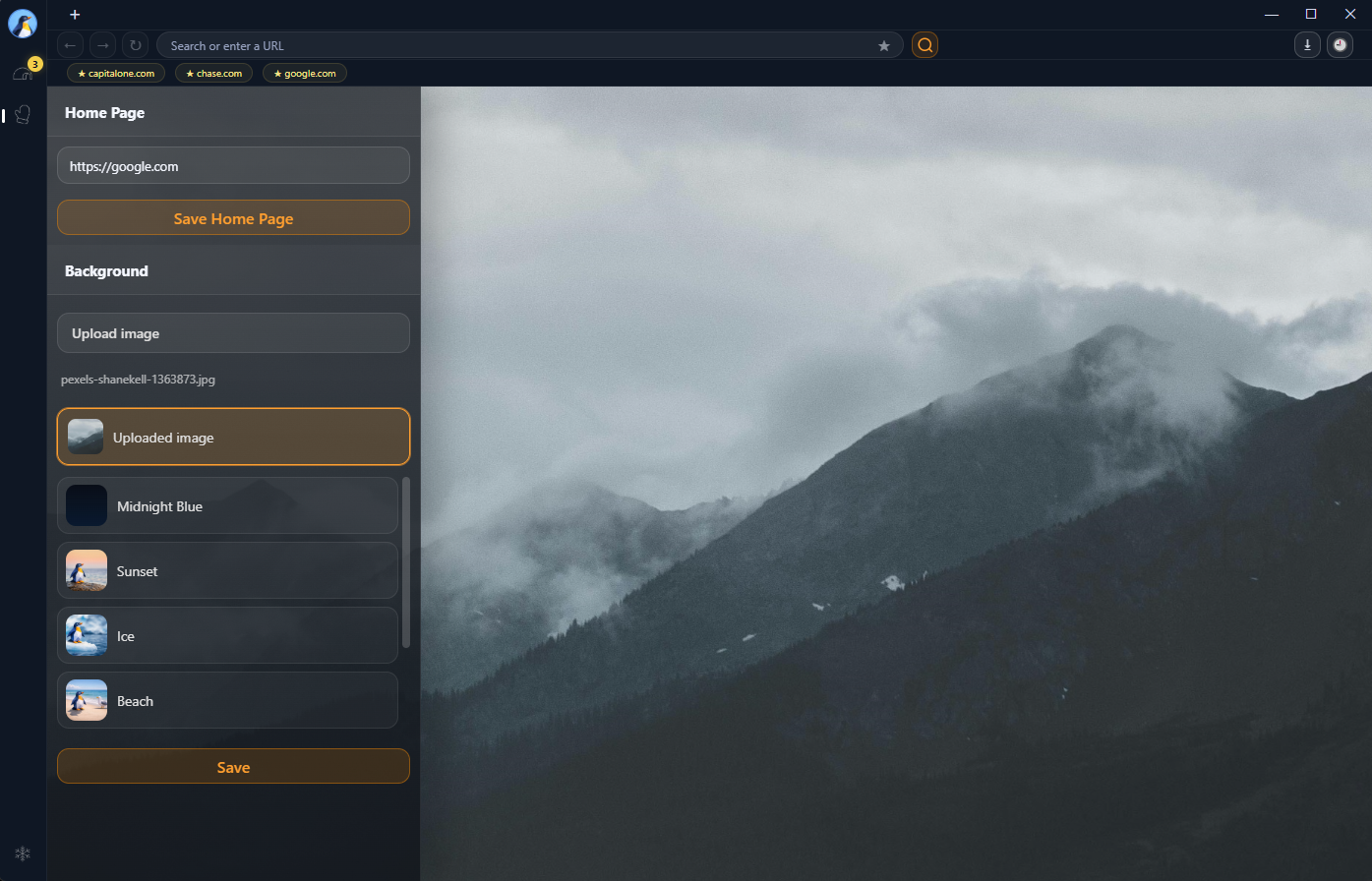
From here you can set the homepage URL that opens whenever a new tab is created and choose a custom background image for your workspace.

This allows you to personalize how Penguin Browser looks and how new tabs start.

Igloo icon

Igloo — Favorites Hub

The Igloo is your quick access hub for favorite websites.

Clicking the igloo instantly opens your favorited pages, making it easy to return to the sites you use most.

Mitten icon

Mitten — Grab Mode

The Mitten activates Grab Mode.

Grab Mode lets you move and organize pages across the workspace, making it easier to manage multiple websites at once.

Avalanche icon

Avalanche — Reset Everything

The Avalanche feature instantly resets your browsing environment.

With one click Penguin Browser will:

  • Close all open windows
  • Clear browsing history
  • Remove stored browsing data
  • Sign you out of websites

This gives you a completely fresh browsing workspace whenever you want to start over.

Screenshots

Here’s a look at Penguin Browser in action.

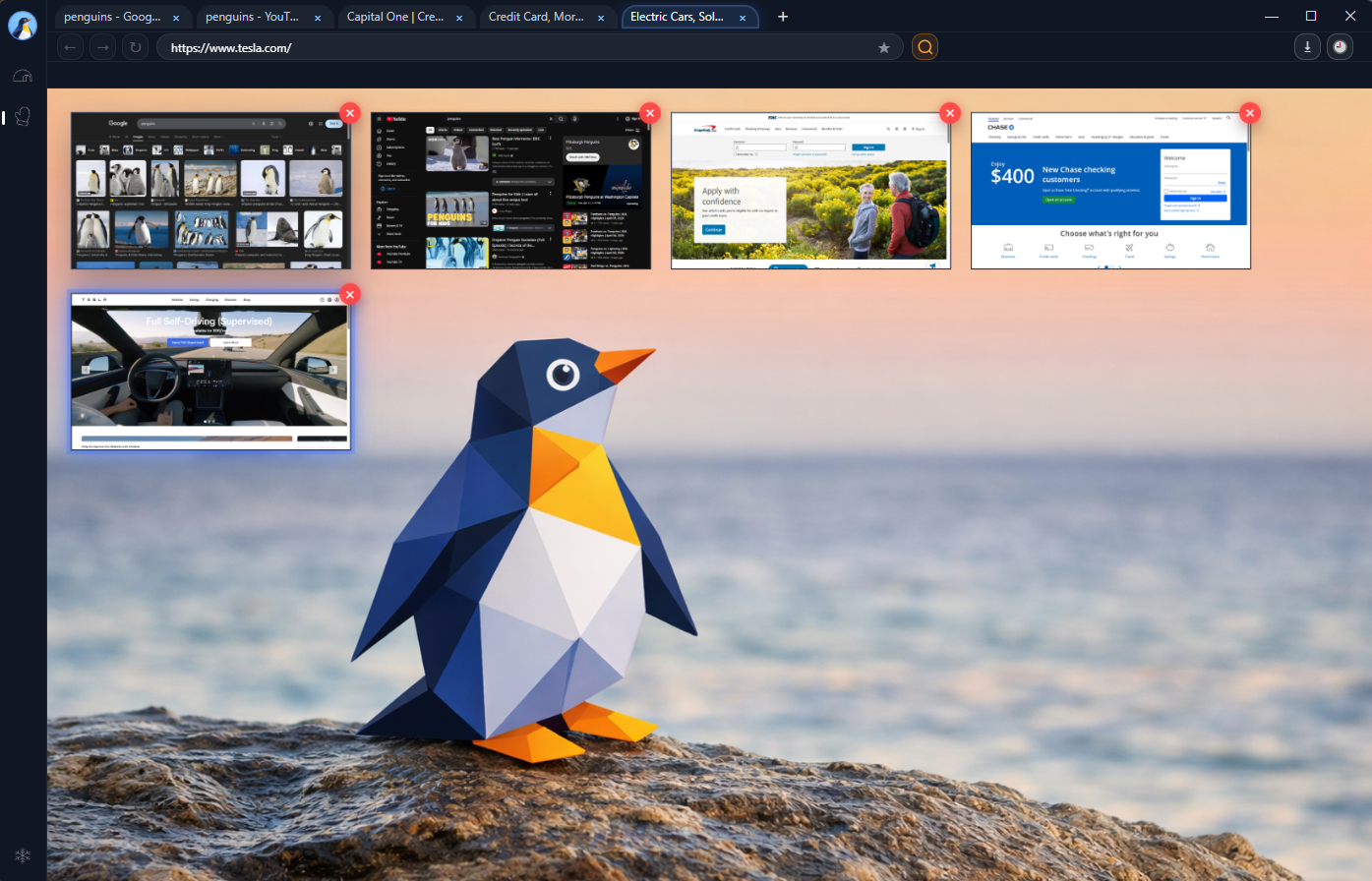
Penguin Browser workspace with multiple panels
Visual workspace with multiple pages open at once.
Penguin Browser history panel
Built-in history panel for quick access to previously visited pages.
Penguin Browser workspace settings and custom background
Workspace settings with homepage control and custom background selection.
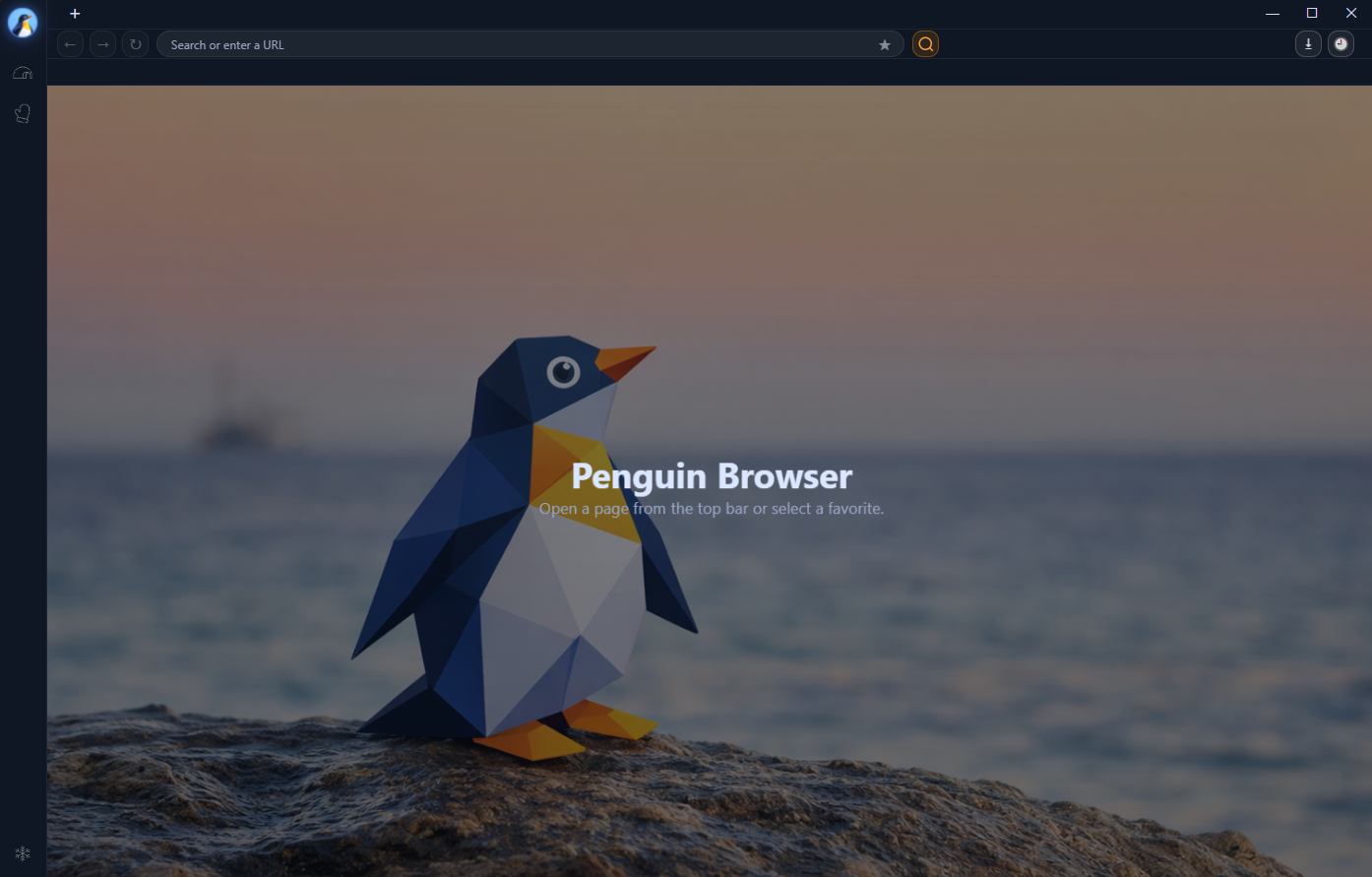
Penguin Browser main browser view
Main browser interface with a clean focused layout.

Designed for Focus

Penguin Browser is built to keep browsing simple.

  • Clean workspace interface
  • Visual page organization
  • Quick privacy reset with Avalanche
  • Minimal distractions

Download Penguin Browser

Available for Windows and macOS

Windows icon

Download for Windows

PenguinBrowserSetup.exe

Download for Windows
Apple icon

Download for Mac

PenguinBrowser.dmg

Download for Mac

Signed builds. Download directly from penguinbrowser.com.

Support Penguin Browser

If you enjoy Penguin Browser and want to support development, you can contribute below.

Payments are processed securely through Stripe and support Apple Pay, Google Pay, and major cards.

Ezra - Developer of Penguin Browser

About the Developer

Hi, I’m Ezra, the developer of Penguin Browser.

I hold a degree in IT with a concentration in Cybersecurity and CompTIA Security+ certification.

Penguin Browser is an independent project built to create a simpler and more organized way to browse the web.

Follow Penguin Browser on Instagram @penguinbrowser

Thank You

Whether you donate, share the project, or simply use Penguin Browser, your support helps the project grow.

Independent software improves through community support, and every contribution helps move the browser forward.